Cubicl
File Search, Sub-step to Task, Text File Preview, and More
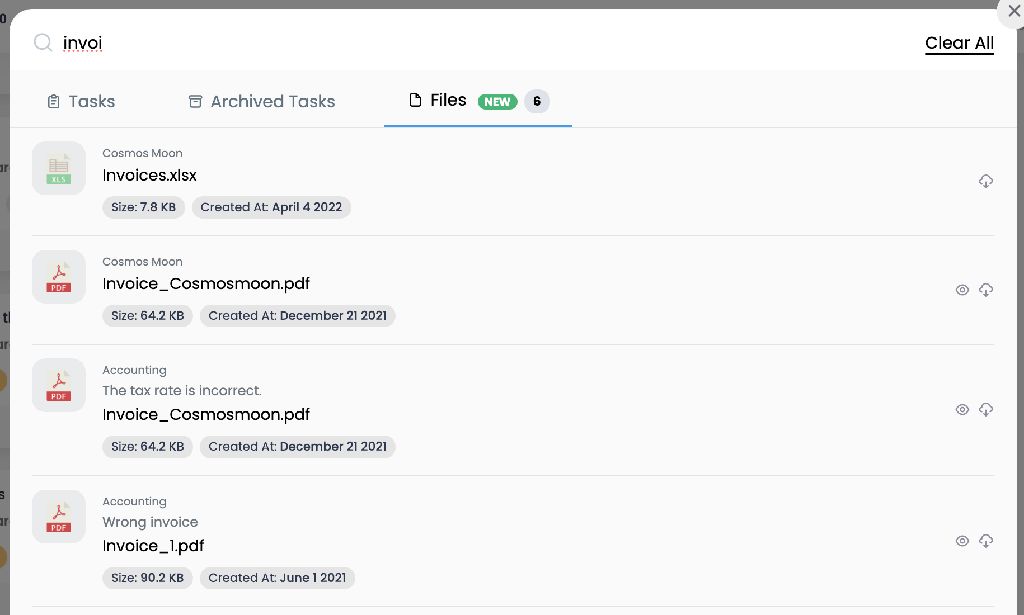
📁 You can now search for files app-wide too — Any files you have access to in projects, tasks, and task activities are now included in search results. (Typing more characters speeds up the search.)
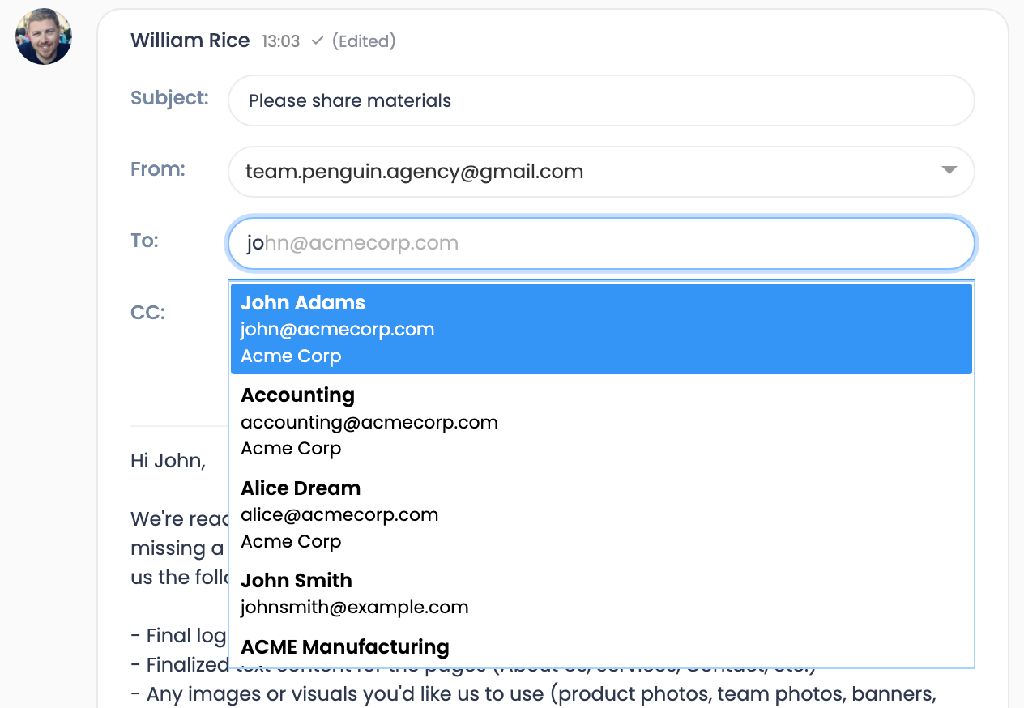
✉️ Recipient suggestions while writing emails — As you start typing in the To/CC field, matching client contacts appear instantly.
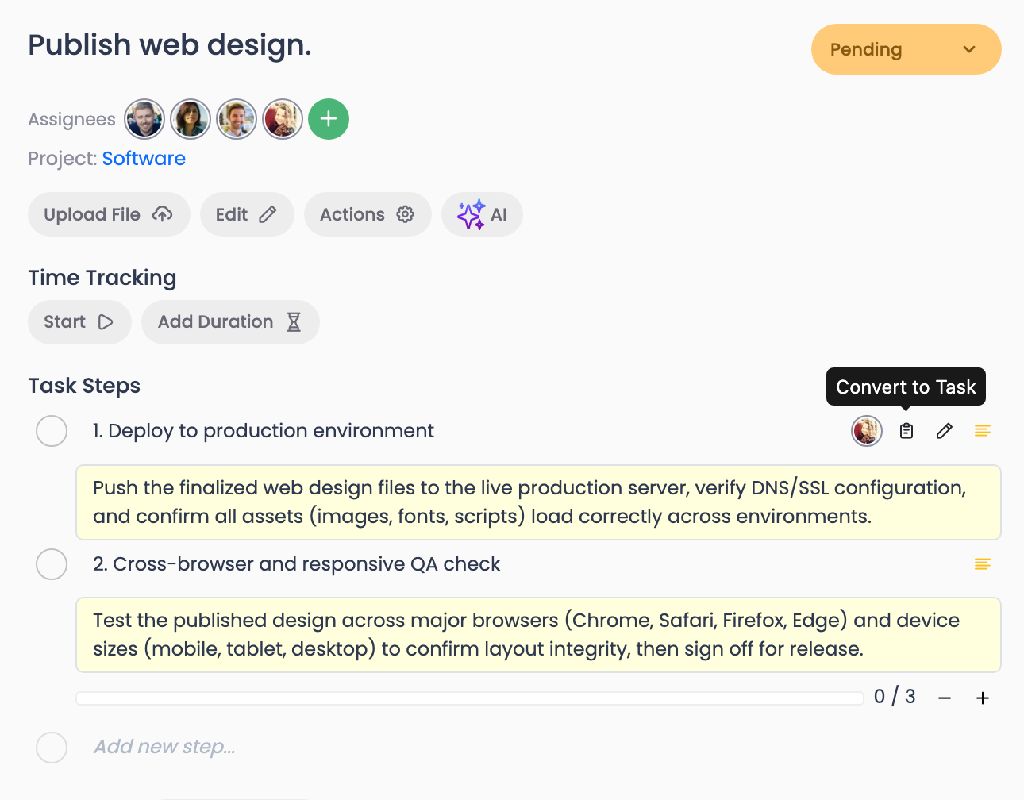
🔄 Task steps can now be turned into tasks with one click — The step's name, description, and assignee are automatically carried over to the new task, and its sub-steps become task steps.
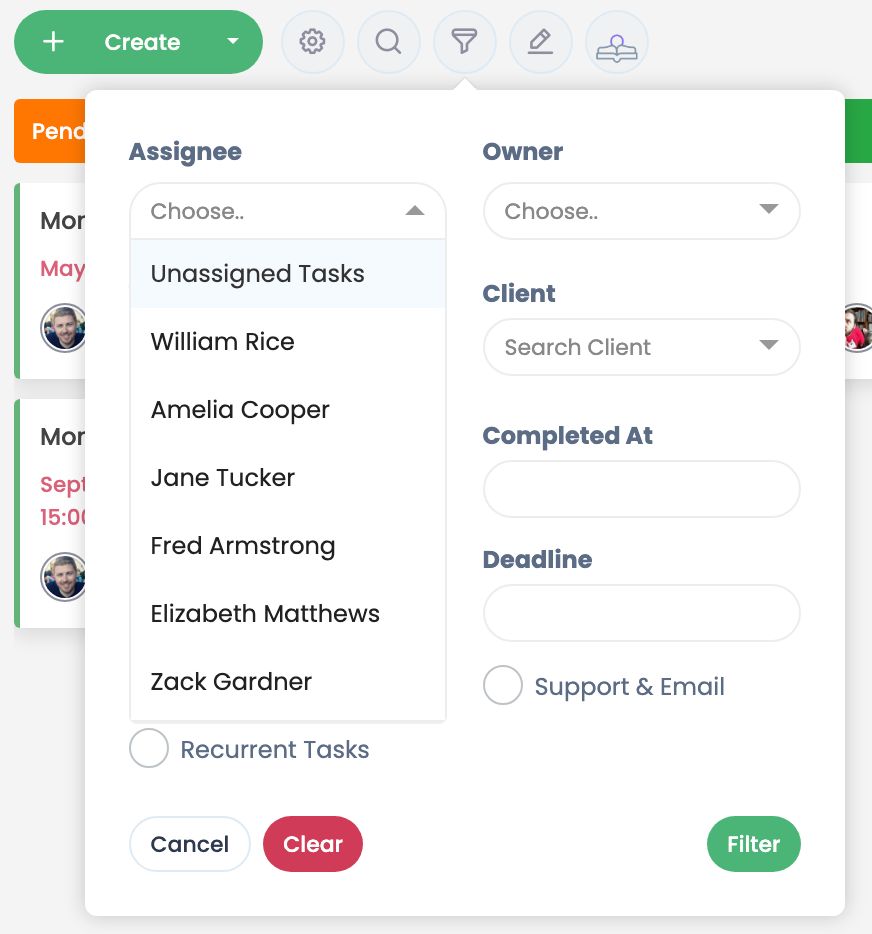
🎯 You can now filter for unassigned tasks — An "unassigned" option has been added to the assignee filter.
👁️ You can now preview many text files without downloading them — txt, md, csv, json, html, py, sql, and 30+ formats now open right within the app. A preview button has been added next to previewable files.
🧾 Your last 12 invoices are now available in one place — Invoice history has been added to the Subscription page. We've also added a retry mechanism for saving/deleting credit cards and processing payments.
🎨 Contacts without a profile photo now show an initial avatar — This replaces the old default image in emails and support tickets. We've also rolled out more modern visuals for error, warning, and empty-state screens across the app.
✨ Improvements
- Dragging a task between stages on the Kanban board no longer changes its priority.
- Automatic archiving now correctly checks and archives all sub-task levels, not just the first.
- Task search and report exports are faster, and longer date-range reports can now be generated.
- Your clients' portal pages are now wider with more consistent layouts; the support tickets page now loads new records as you scroll, eliminating the slowdown.
- Users who join Cubicl via a company invite are now automatically signed in and activated.
Follow us
If you are interested in hearing about new features in our product